
Powerful accounting features at an affordable price.
NP Ledger combines fund accounting, guided workflow, Form 990 support, accountant-ready tools, modern entry methods, and internal safeguards so nonprofit teams can keep accurate books without breaking the budget.
Fund accounting without workarounds
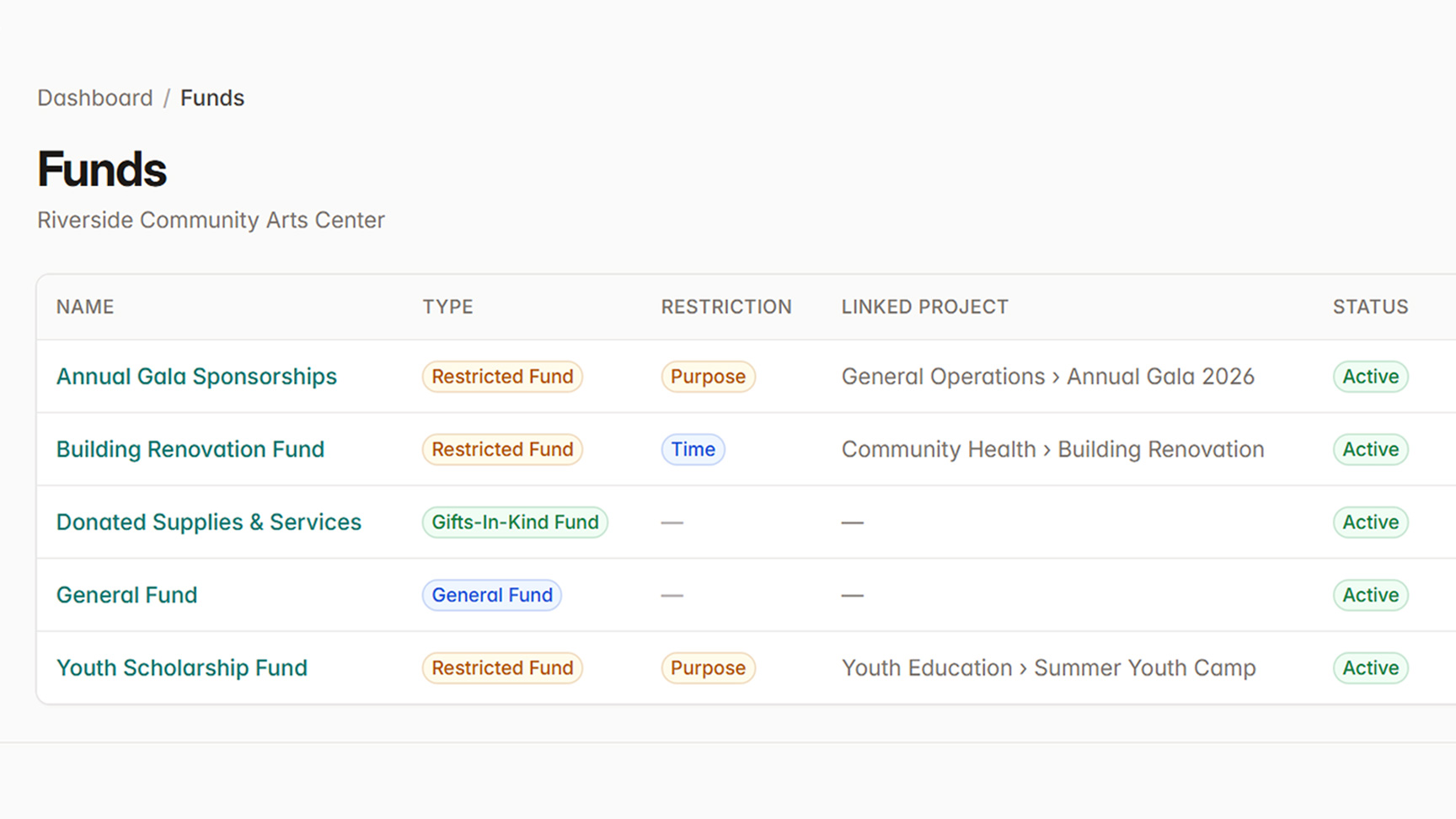
NP Ledger treats nonprofit fund tracking as core accounting. Funds are built into the ledger, so your team doesn't have to simulate restrictions with classes, departments or side spreadsheets.
Restricted money stays restricted. Money given for a purpose stays in its own fund. Spend from that fund and your reports show the money as used. Void the expense and they show it as unused again. A time-restricted fund is released on its release date. You pick the fund. NP Ledger doesn't judge whether an expense fits the donor's purpose, and spending from a restricted fund linked to a project must carry that project.
- Track restricted, unrestricted, and board-designated funds in one ledger
- See per-fund balances and financial reporting without spreadsheet side systems
- Connect projects and grants to the accounting records behind them
- Record restriction releases with the right accounting treatment
Curious how funds and programs fit together? Read the Funds and Programs guide.
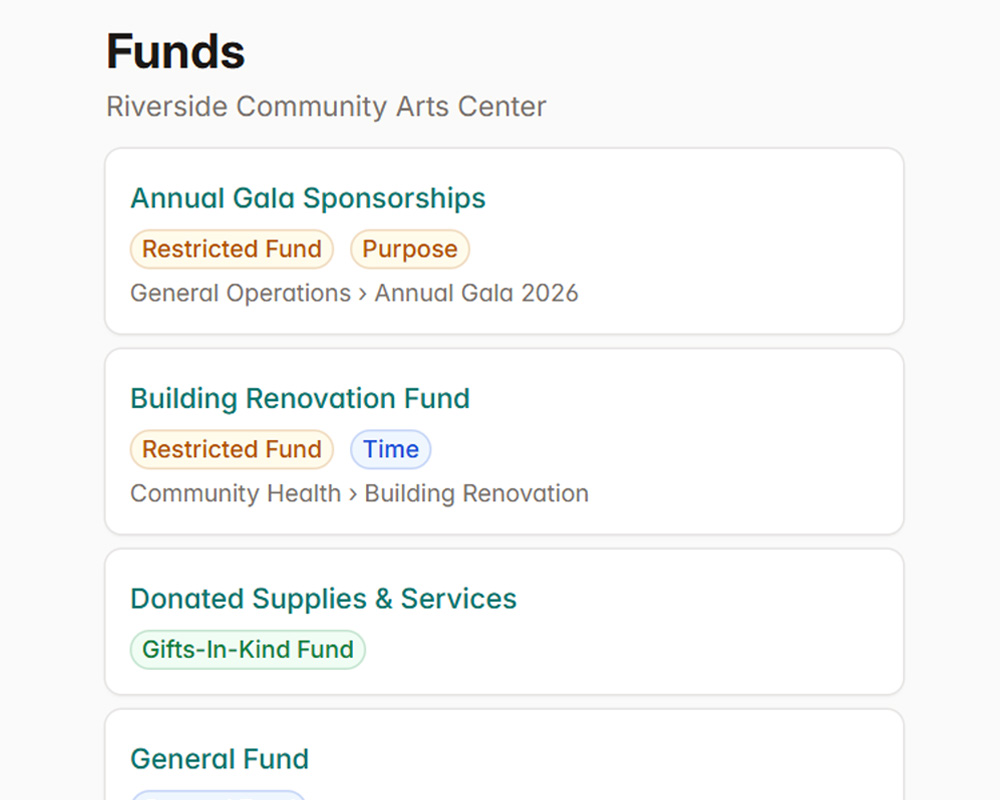
Fund View
Restricted funds tracked inside the ledger


Bookkeeping that feels manageable, not overwhelming
For many nonprofits, bookkeeping is tedious and stressful. It pulls time away from the mission, falls to already-busy team members, and leaves too much room for frustration and error.
NP Ledger reduces stress and simplifies accounting with guided workflows for common nonprofit tasks. Move through day-to-day bookkeeping faster, with more confidence, less cleanup, and less risk of making mistakes.
- Record common transactions with less accounting jargon
- Reduce cleanup, corrections, and month-end catch-up
- Help your team work faster and with more confidence
- Keep the books moving without a full finance team
Wondering how month-end actually goes? Read the Bank Reconciliation guide.
Guided Workflow
An easy-to-use bookkeeping workflow helps reduce effort and error.




Modern tools for faster, easier entries
Bookkeeping takes too much time when every transaction has to be typed, interpreted, and corrected by hand. NP Ledger provides faster ways to enter transactions and guides users to reduce effort and friction.
Behind those workflows is context-aware logic that uses your chart of accounts, funds, and transaction history to simplify bookkeeping, reporting, and tax preparation. That means less manual effort, clearer guidance, and fewer avoidable mistakes.
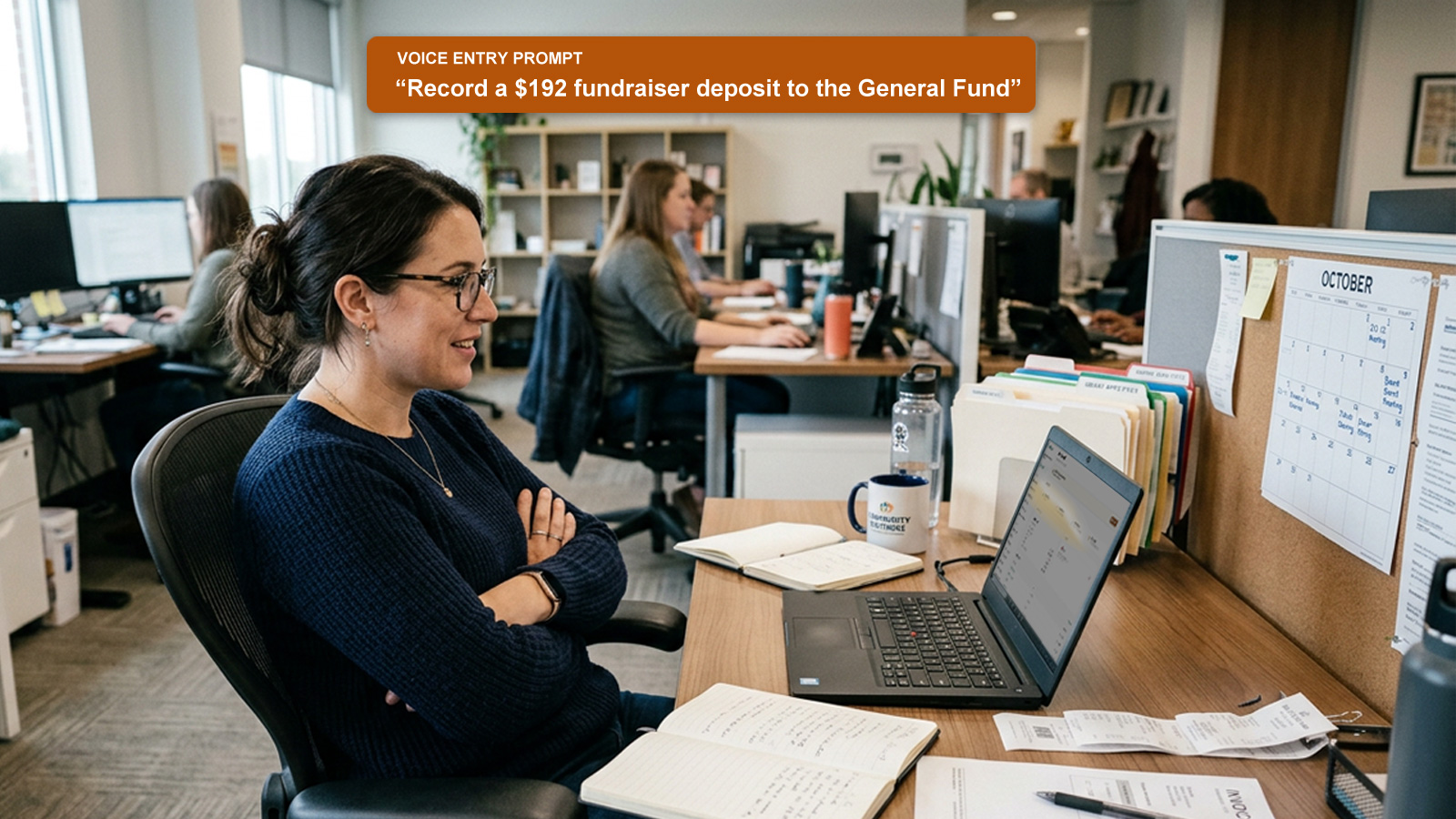
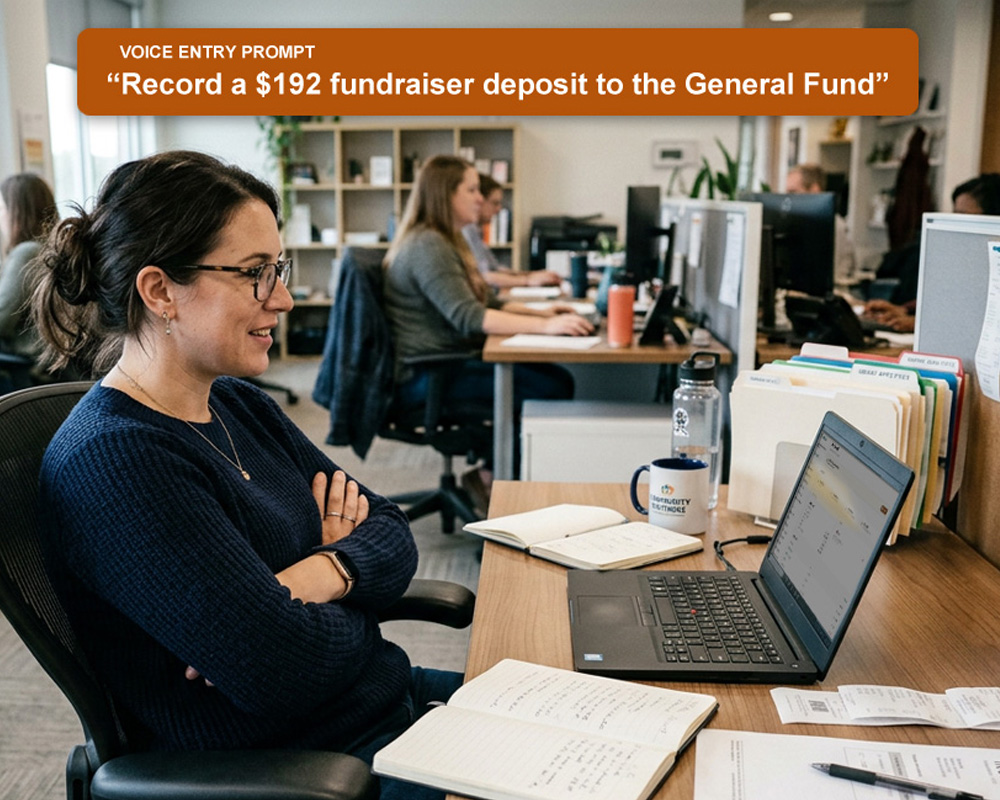
- Skip the typing. Speak a transaction or photograph a receipt, and the form arrives filled in for you to review.
- Let your AI assistant help keep the books. Connect Claude, ChatGPT or Cursor and ask it to record a donation, an expense or a pledge. An assistant's entry posts when it's made, and every entry can be reviewed or voided. An audit log shows how every transaction was recorded.
- Workflows and checks that make bookkeeping easier to get right
Setting up an AI assistant? See the AI Agents guide.
Quick Entry
Voice, Receipt Scanning, and AI-powered tools that reduce manual transaction work


Tax preparation with less pressure.
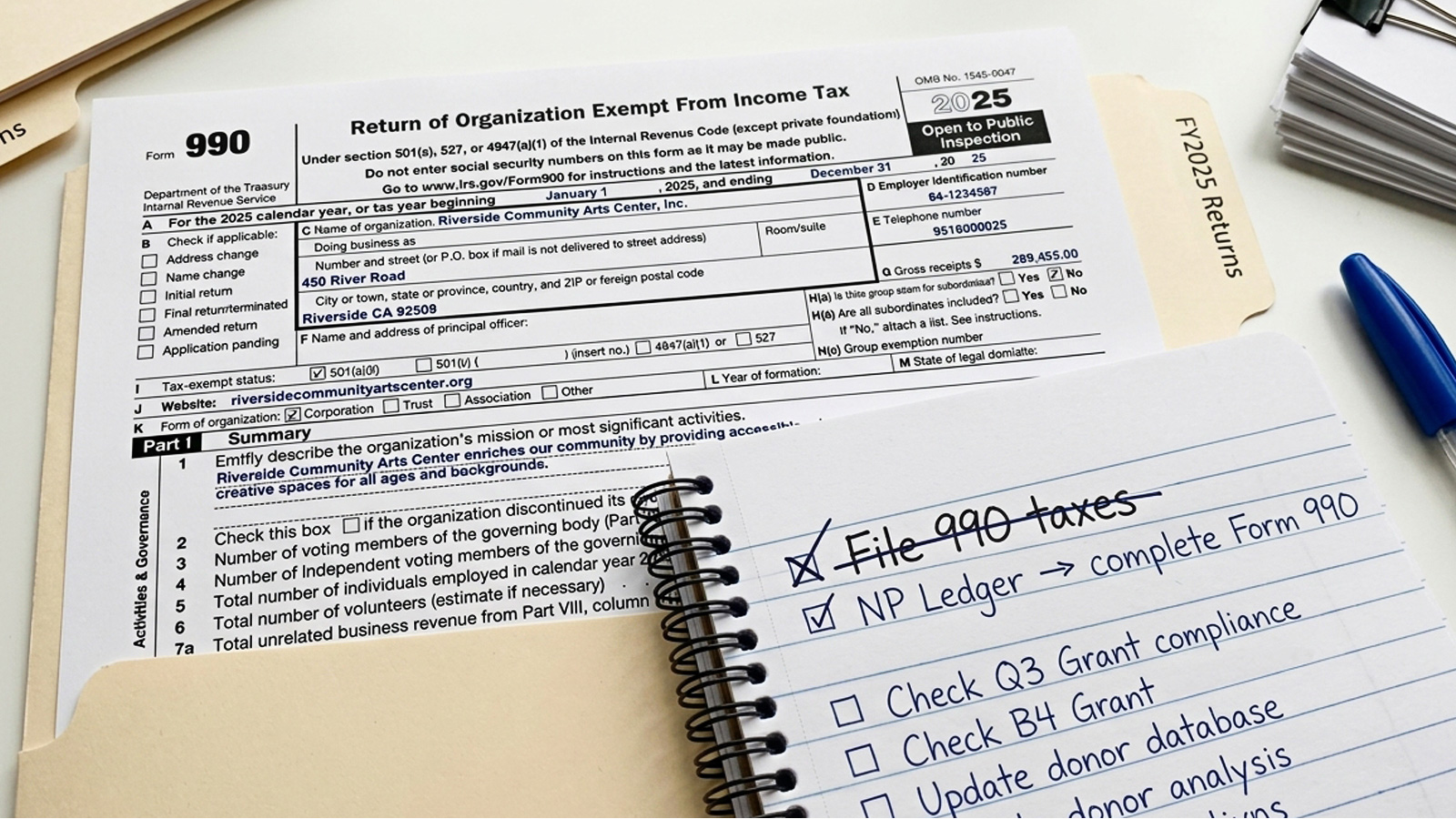
For many nonprofits, Form 990 preparation is stressful because the real work starts long before the form does. If the books are unclear, incomplete, or not organized for nonprofit reporting, tax season turns into extra cleanup, extra time, and higher outside cost.
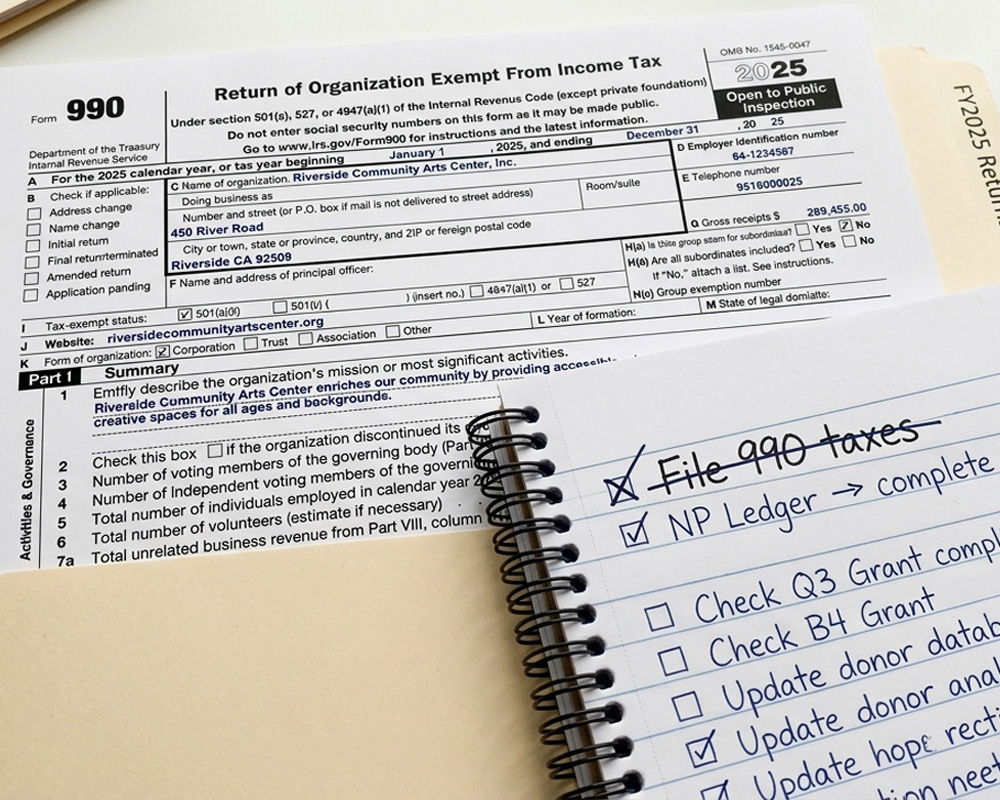
NP Ledger works out which form fits, prepares the 990-N and 990-EZ values, and produces a PDF worksheet for a full 990. You or your tax preparer review the final figures and finish the filing.
- Values come from the accounts you already keep, with a line-by-line drill-down
- IRS-oriented workflows tied to the books underneath them
- Account mapping and worksheet prep with less manual cleanup
- Deadline, extension, and filing-status support in one place
- 1099 contractors tracked all year, with YTD threshold alerts and a CSV export for 1099 filing on every tier
Not sure which 990 your nonprofit files? Read the Form 990 overview.
990 Workflow
IRS-oriented filing support connected to the books


Year-end work your accountant can trust.
For many nonprofits, year-end means weeks of back-and-forth with an outside accountant — emailing trial balances, exporting the GL, pulling reconciliation reports one at a time. NP Ledger eliminates that cycle with a dedicated Accountant role and audit-preparation tools built into the platform.
Give your accountant their own login with access to the financial data they need — without handing over the keys to everything else.
- Dedicated Accountant role with financial access on every plan
- CPA Dashboard showing trial balance, fund balances, 990 status, and recent adjusting entries
- One-click year-end export: GL, financial statements, reconciliations, and 990 worksheet
- Adjusting Entry Wizard with reversing + correcting entries, period-lock guards, and AI-assisted drafting
Want to see the reports your accountant relies on? Read the Running Reports guide.
Accountant Access
Give your CPA exactly what they need for year-end




Make the switch without rebuilding everything
Changing accounting systems can feel like too much work, especially for nonprofits with limited bandwidth and time. Some teams stay with tools that aren't a good fit, simply because switching feels too hard.
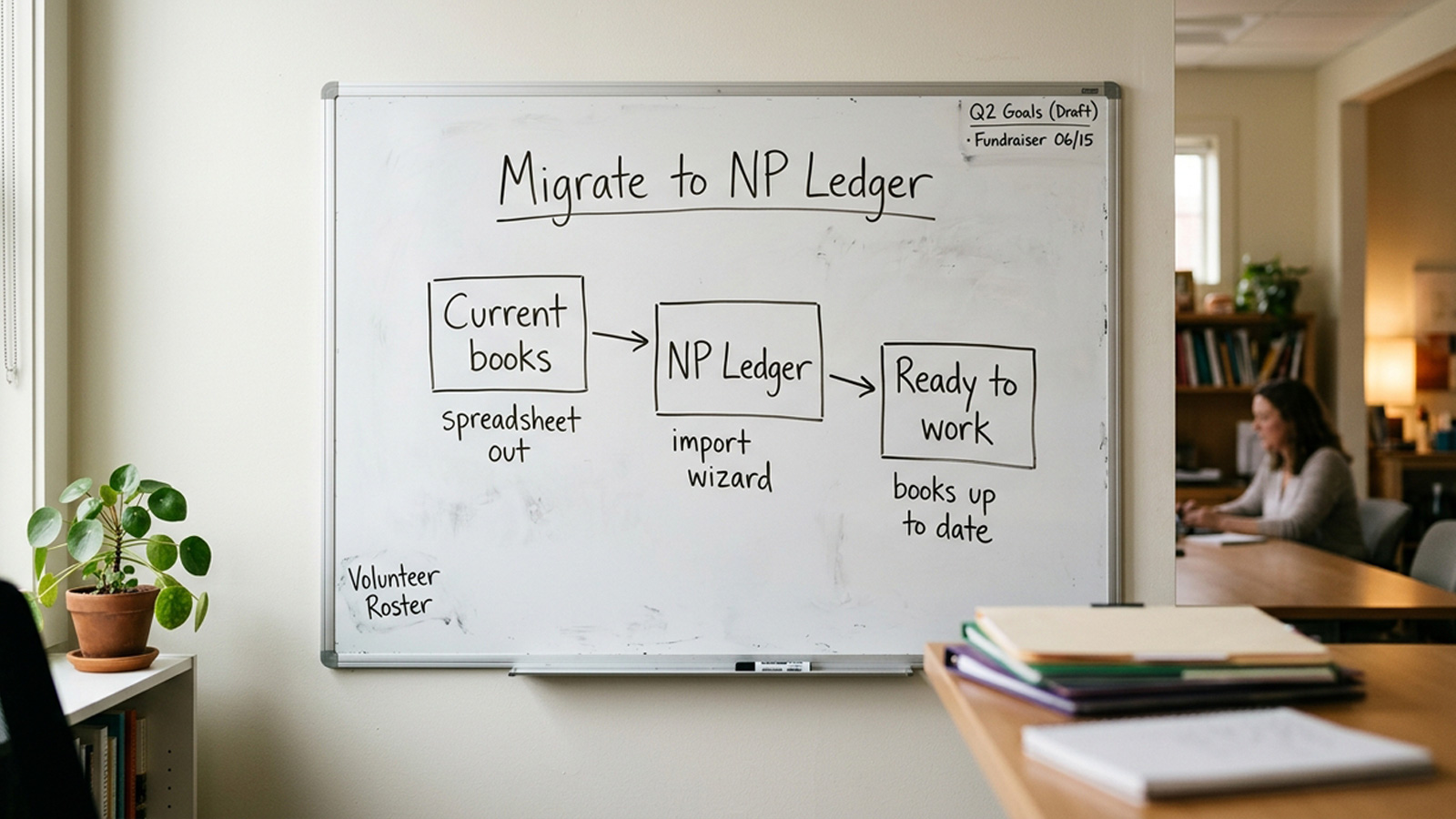
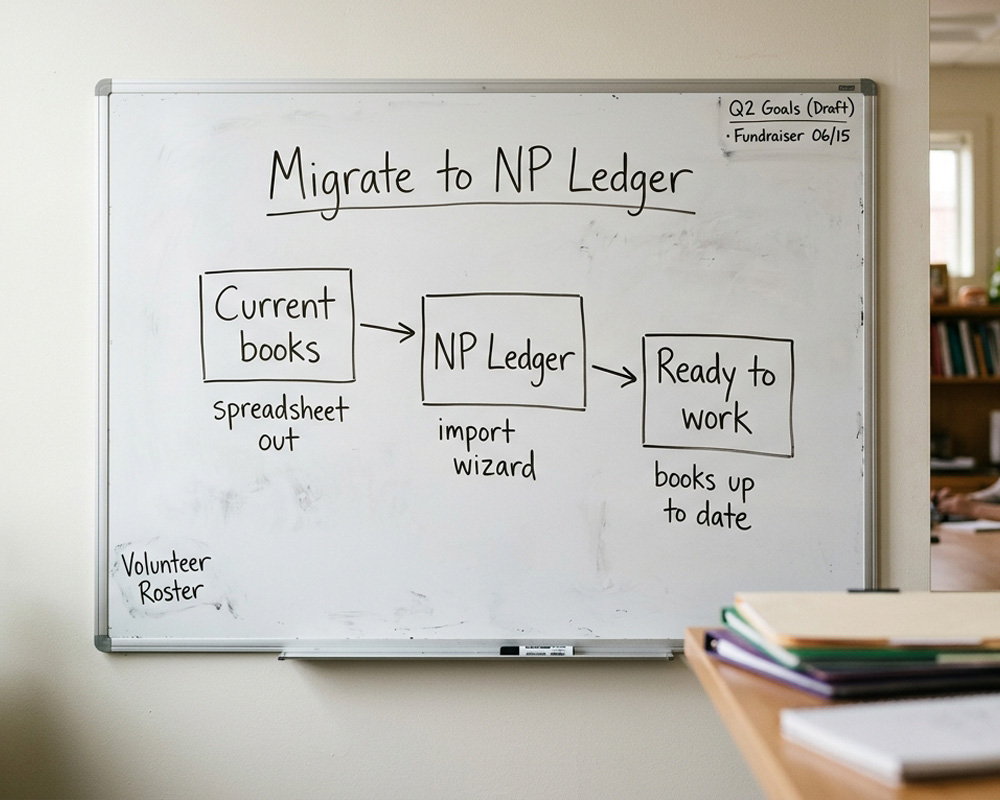
NP Ledger gives you a guided path in, so you can bring over what matters, review it before it posts, and start with books that fit the way your nonprofit works.
- Guided setup for accounts, contacts, bank accounts, and opening balances
- For QuickBooks Online, bring in general-ledger history and map Classes to real funds before posting
- A dedicated bank and cash-register importer for Manager.io; CSV templates for spreadsheets and other tools
- Preview imports before they post, then undo the whole import in one click if you need to
Coming from Manager.io? Read the migration guide.
Migration
Import your current books, review the figures, then make the move


Complete Platform
The operational foundation under every feature
The six differentiators above work because they sit on a full accounting platform with bank connectivity, reconciliation, reporting, and the controls your board and auditors expect.
Bank Import
Bring in transactions from your bank, payment processor, or financial platform without manual data entry.
- Live feeds from more than 12,000 U.S. banks, plus Mercury
- OFX, QFX, QBO, CSV, PayPal, Venmo, Stripe
- Automatic deduplication prevents double-counting
Reconciliation
Match bank statements to your books so nothing falls through the cracks between deposits, expenses, and your ledger.
- Auto-matching with inline adjusting entries
- Reconciliation reports for auditor review
In-Kind Contributions
Record donated goods, services and space at fair market value, and report them the way auditors expect.
- Pick a category, such as service, goods or facility, and NP Ledger fills in the default rate.
- Volunteer hour values come from published state rates.
- The Statement of Activities carries the in-kind disclosure notes for you.
Online gifts, matched to the deposit
Donorbox, Givebutter, PayPal and Stripe gifts arrive on their own and wait in a holding account until the payout lands.
- Processing fees are worked out, refunds are handled, and each payout shows in your settlement history
Donation Receipts & Giving Statements
Generate donation receipts designed to meet IRS §170 substantiation requirements, plus year-end giving statements for your supporters.
- Quid pro quo and in-kind contribution disclosure handling
- Notification log with resend capability
Financial Reports
The reports your board, auditors, and grant funders need — generated from the same ledger, not assembled from spreadsheets.
- Statement of Financial Position, Activities, Cash Flows
- GL, Trial Balance, Budget vs Actual, Program Reports
- Export to CSV or PDF
Transaction Tags
Track grants, events, and campaigns across your books without bending your chart of accounts to do it.
- Filter by one or more tags and see Transactions by Tag or Activity by Tag reports
- Moving from QuickBooks? Upload your existing Tags report and match tags to your transactions
Recurring Transactions
Set up templates for rent, payroll, insurance, or any repeating entry so monthly bookkeeping takes minutes, not hours.
- One-click posting with past-due highlighting
- Dashboard widget shows what is due now
Security & Controls
The safeguards your board expects and your auditor will ask about, built in from day one.
- Role-based access with TOTP two-factor auth
- Audit trail, transaction immutability, period closing
- Audit log viewer with date-range presets and filtered CSV export, on every plan
Bills & Accounts Payable
Enter bills when they arrive, approve and pay in full or parts, and keep past-due exposure visible.
- AP Aging report and dashboard widget
- Quick Entry and Voice Entry accept bill entries
Payroll Posting
Drop in your payroll provider's export; NP Ledger builds a balanced journal entry for review.
- Gusto GL export auto-detected; other providers via CSV
- “Record Payroll” Quick Entry action
Grants & Budgets
Track grant spending and annual budgets from the same ledger your reports come from.
- Per-grant budget, spent, and remaining with overspend alerts
- Budgets by fund, program, or project with variance report
Switching?
See how NP Ledger compares to what you use today
Ready to see how it fits your organization?
Fund accounting, 990 workflow, and smarter bookkeeping in one system.